
Cyber safety 101: a kids’ guide to staying safe online with Jamie
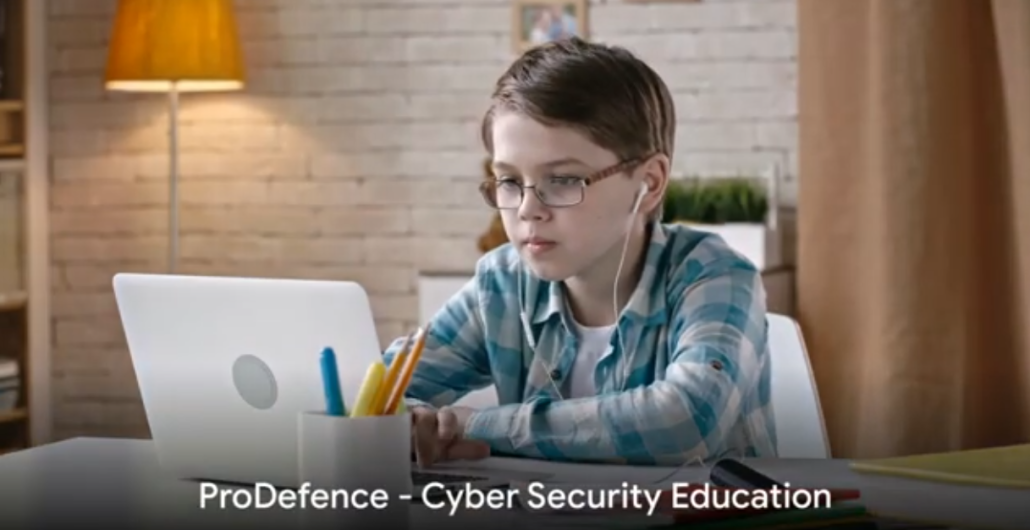
Online safety for kids comes down to a few simple rules a child can remember: different, hard-to-guess passwords, no personal information for strangers, no trust in “free” gifts and, whenever something feels strange, asking a trusted adult. This guide explains them in children’s language, through Jamie’s story.
Key points
- Personal information is a treasure: full name, address, school and passwords are not shared online.
- Every account needs its own strong password.
- Not everyone on the internet is friendly, even if they seem to be.
- “Free” prizes and gifts are often traps called phishing.
- The golden rule: stop, think, ask an adult.
Video for kids
Meet Jamie
Hey kids! Let’s talk about Jamie, who is a lot like you. Jamie loves games, chatting with friends and exploring the internet. One day, Jamie got an email from a stranger offering a free gift in exchange for some personal details. What do you think Jamie should do? Share their information for a gift?
The secret code of cybersecurity
Cybersecurity is like a secret code that keeps your treasure safe. The treasure is your personal information, and the code locks it away from people who might misuse it.
The power of passwords
Do you have a password for your games or apps? How many of you use the same password for everything? It is easy to remember, but it is like having one key for every door in your house. If someone finds it, they can open everything. That is why every account needs a unique, strong password. A strong password is like a castle with thick walls: the more complex it is, the harder it is to break in.
Strangers online
Imagine you are playing your favourite game and someone asks for your address to send you a game accessory. Is that safe? Just like in real life, not everyone on the internet means well. Telling people where you live or which school you go to can be risky. Some things stay secret online.
Watch out for fake gifts and prizes
Remember Jamie’s email? Offers of free gifts or prizes can sound great, but they are often tricks called phishing, used to steal personal information. When you get a message like that, do not click the links or download anything. The best thing to do is ignore it and tell a trusted adult.
Be a cybersecurity superhero
Cybersecurity sounds complicated, but it is really about smart choices. Just as you would not tell a secret to a stranger, do not share personal information online without thinking. Next time you type a password, share something or are about to click a link, stop and ask yourself: is this safe? If you are not sure, ask a trusted adult.
Are you ready to be a superhero who protects your information from internet villains? Your smart choices help keep the internet fun and safe for everyone.
For parents and teachers
- watch the video with your child and discuss the opening question: what should Jamie do?
- agree on a clear rule: no gifts, prizes or new online friends without asking an adult;
- help your child create a different password for each account and turn on parental controls;
- tell your child they will not be in trouble for telling you about something strange online.
More resources for families are available on Child online protection.
Frequently asked questions
What information should a child never share online?
Full name, address, school, phone number, passwords and photos that show where they live or study.
How do I explain phishing to a child?
As a trick: someone promises a gift or prize to get secret information. The rule is not to click and to tell an adult.
At what age should we talk about online safety?
As soon as children start using a tablet or phone, with explanations adapted to their age, like Jamie’s story.

